
Voice keyboard for Android
Text without touching the screen.
Unkeyboard is a keyboard you talk to. Open a chat and the mic is already listening. Say what you want to write, then say over and out to send it.
Shared with friends and family for now. Not on Google Play yet.
Running 10 min late. Still good?
How it works
- 1
Open a chat.
In apps like Google Messages and WhatsApp, Unkeyboard can put the cursor in the message box and open the keyboard for you.
- 2
Talk.
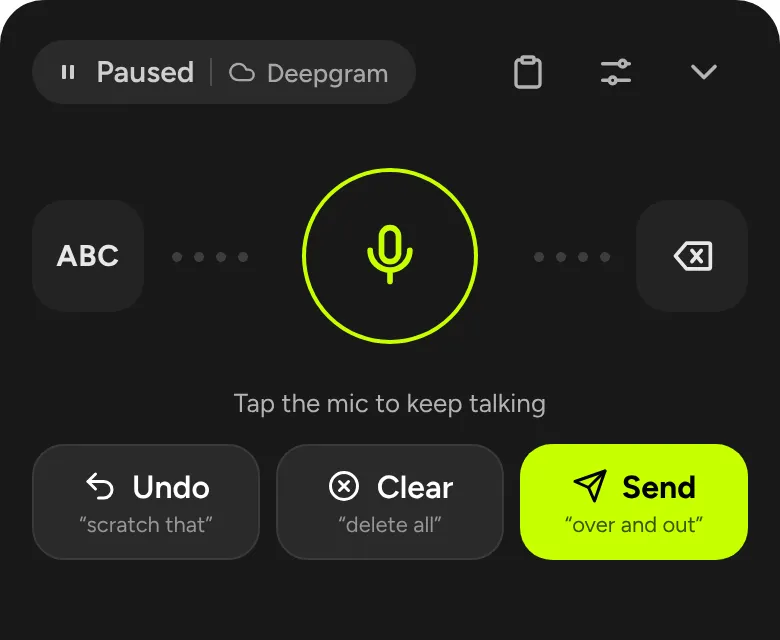
The mic starts on its own. Each pause is typed as you go, with punctuation you can say out loud.
- 3
Say “over and out”.
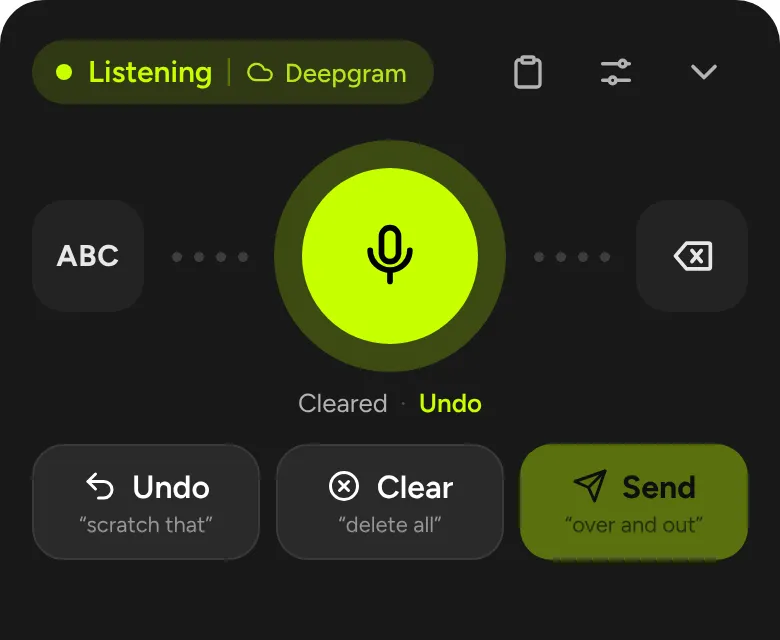
Unkeyboard presses the app’s Send button. Scratch that removes the last phrase if it heard you wrong.
Everything it does
Eight things Unkeyboard handles, from the first word to pressing Send.
Hands-free talking
- Starts listening when a text field opens
- Keeps listening between phrases
- Pauses after a quiet stretch you choose
Voice commands
- “Over and out” sends
- “Scratch that” undoes, “delete all” clears
- Say punctuation, “new line”, “paste that”
- Teach it your own words and emoji
Opens the chat for you
- Puts the cursor in the message box
- Google Messages, WhatsApp, Messenger, Instagram, GroupMe, Claude
- Presses Send in the app for you
Letter keyboard
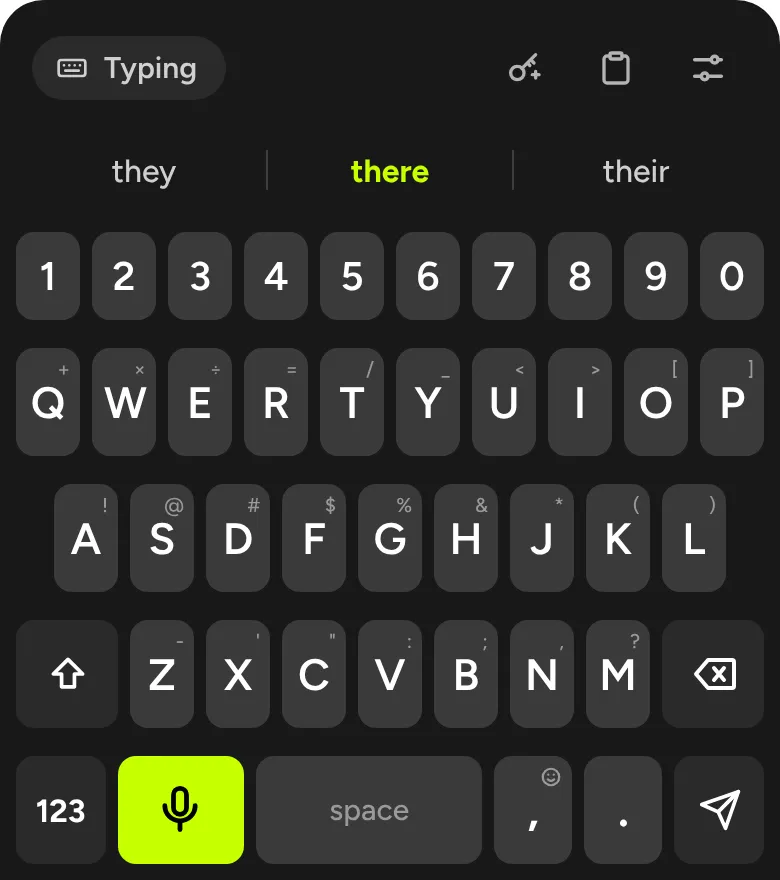
- Big keys with a number row
- Word suggestions and optional autocorrect
- Hold comma for emoji
Easy passwords
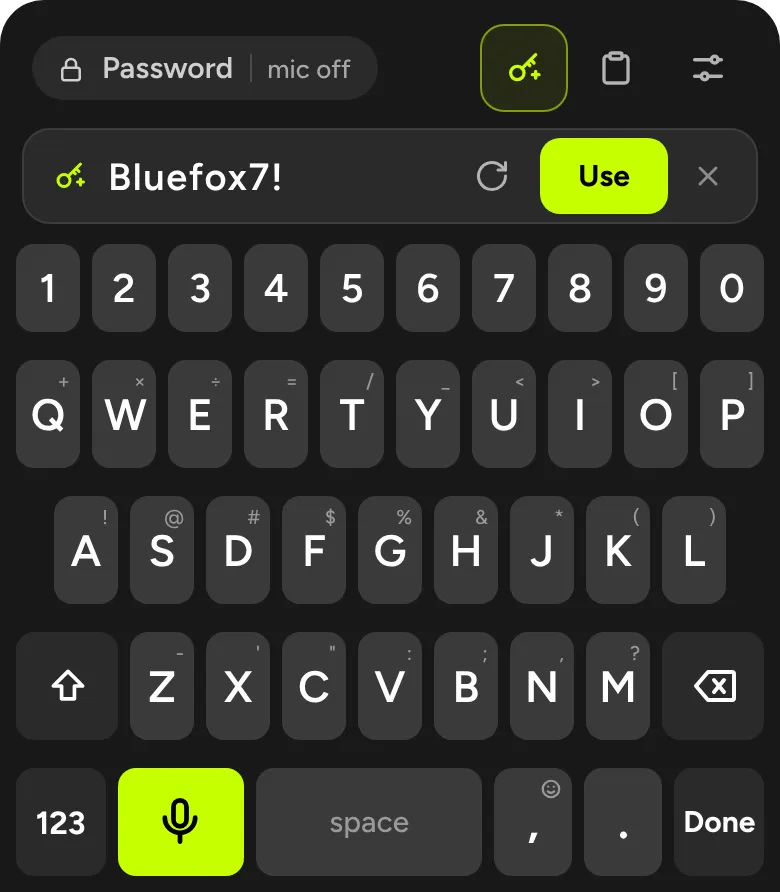
- Mic stays off in password fields
- Suggests readable passwords like “Bluefox7!”
- Types and copies it in one tap
Your choice of speech engine
- Built-in model, private and offline
- Or your own key: OpenAI, Deepgram, Groq, Soniox, ElevenLabs, Gemini, Mistral
- Falls back to the phone if the cloud fails
AI rewriting and reply drafts
- Opt-in, with your own OpenAI key
- Rewrite what you said, or draft a reply
- Never sends on its own
Look and comfort
- Light and dark mode
- Large keys and haptic feedback
- Quick Settings tile to switch keyboards
More screens
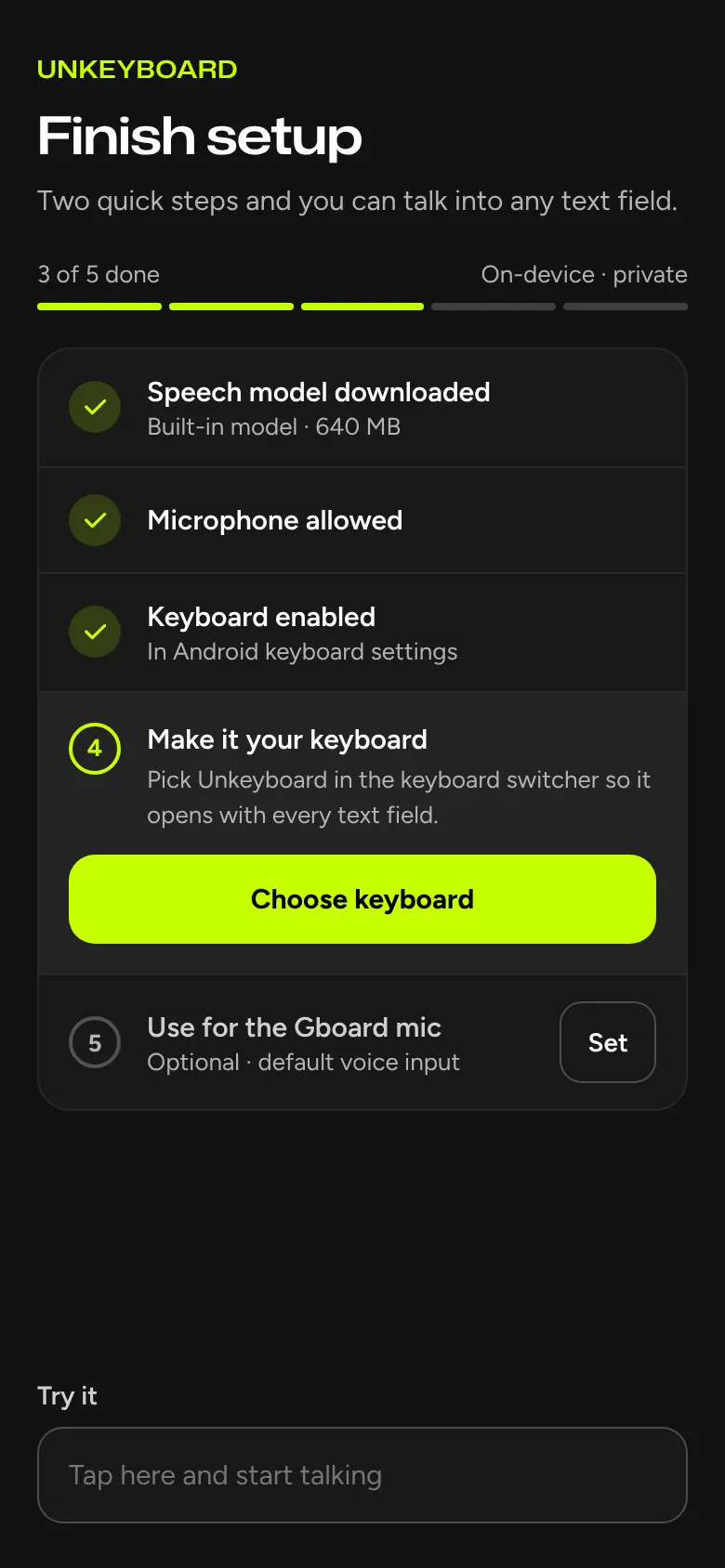
Made for when your hands are busy
Driving, cooking, carrying groceries, or just tired of small keys. Unkeyboard keeps the whole message hands-free, from opening the chat to pressing Send.